iPhone & Apple Watch
Make every walk count.
Walk Mode plans a walking route around the time you have and the places worth seeing, then tracks your steps and progress along the way.
 Free to download
Three steps, no setup
-
1
Say where or what
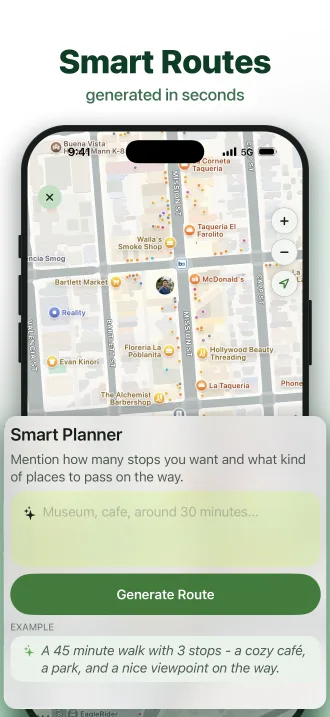
Pick a destination, or describe the walk you want - "45 minutes, a park and a good coffee".
-
2
Walk the route
Follow it on your iPhone or Apple Watch and check in to the stops you pass.
-
3
Keep the record
Steps, distance and time are saved to your walking history automatically.
Everything a walking app should do
Walking route planner
Set a start, a destination and stops along the way. Routes are built for walking, with real time and distance.
Plan by description
Describe the walk you want and get a full route with stops, timing and distance in seconds.
Places worth stopping for
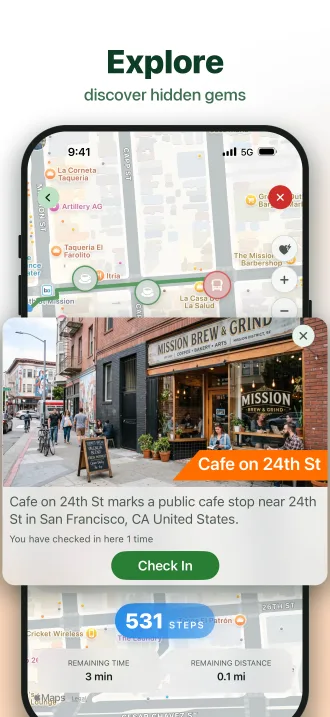
Parks, viewpoints, cafes and hidden gems on your route - check in as you reach them.
Live walk tracking
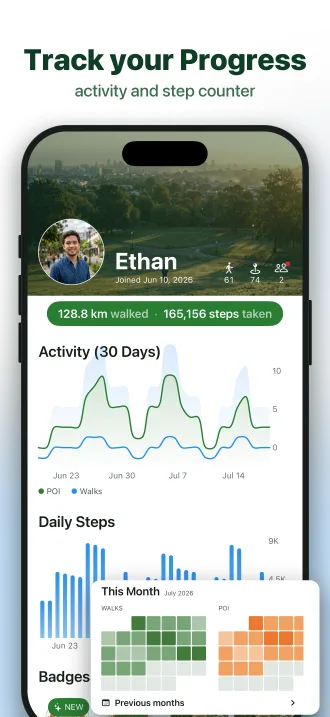
Steps, distance and time as you go, with a Live Activity on your lock screen.
Walk together
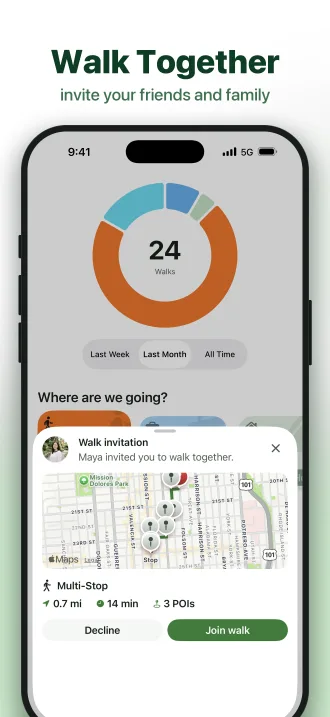
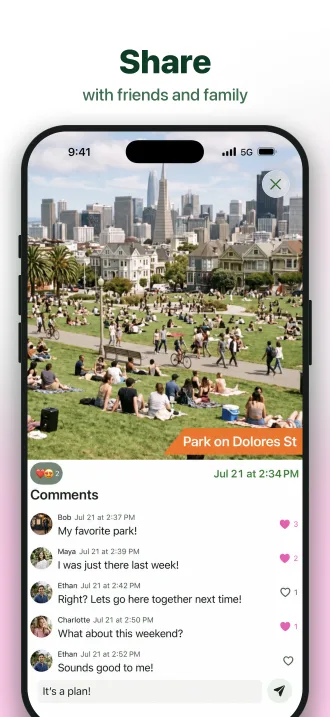
Invite someone along and share where you have been - same route, same stops, same progress.
History and badges
Every completed walk is saved, and milestones earn badges. No manual logging.
Apple Watch
Leave the phone in your pocket
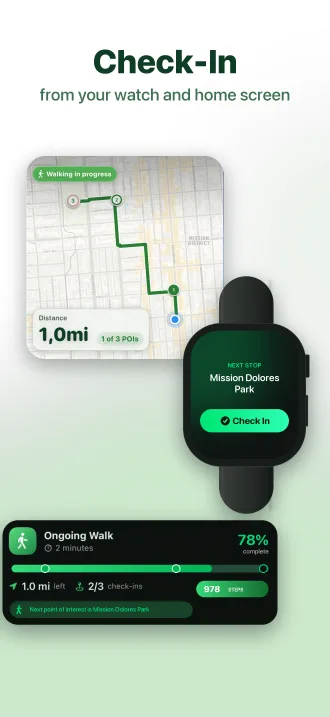
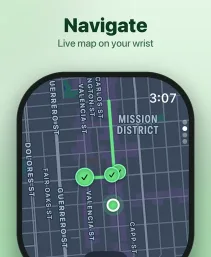
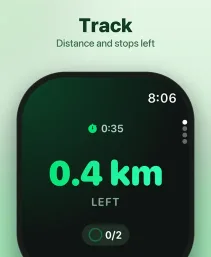
Walk Mode syncs to your wrist the moment a walk starts. See the live route map, the distance left, and check off stops as you reach them.
Questions
What is Walk Mode?
Walk Mode is a walking app for iPhone and Apple Watch that plans walking routes for you. Pick a destination or describe the walk you want, and Walk Mode builds a route with points of interest - parks, cafes, viewpoints, hidden gems - to discover along the way. It also tracks your walks, keeps your walking history, and rewards milestones with badges.
Can an app plan a walking route for me?
Yes. Walk Mode's AI walk planner turns a short description - like "a 45 minute walk with a cozy cafe, a park, and a nice viewpoint" - into a complete walking route with suggested stops, estimated time, and distance. You can also plan manually by choosing a start, destination, and stops.
How do I find scenic walking routes near me?
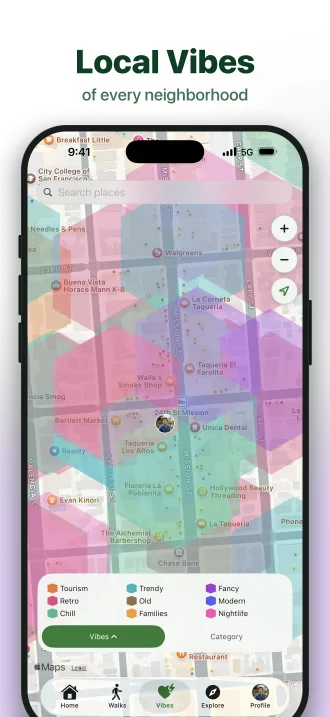
Open Walk Mode and it suggests walking routes around your current location, planned around places worth seeing - parks, landmarks, and scenic spots. Choose a vibe for your walk and the route adapts to match, whether you want green spaces, culture, or coffee stops.
Does Walk Mode work on Apple Watch?
Yes. Walk Mode syncs with Apple Watch so you can follow a live map of your route, see remaining distance and time, and check off stops right from your wrist - no need to take your iPhone out of your pocket.
Does Walk Mode count steps and track walking progress?
Yes. During a walk you see your step count, distance walked, time elapsed, and progress toward your destination, with Live Activities on your lock screen. Every completed walk is saved to your walking history with its route, steps, time, and check-ins.
Is Walk Mode free?
Walk Mode is free to download on the App Store and free to use for planning and tracking walks. Optional premium features are available as an in-app subscription.
Can I use Walk Mode to explore a new city on foot?
Absolutely - Walk Mode works like a self-guided walking tour app. In any city, ask the AI planner for a walk that passes museums, viewpoints, or local landmarks, and you get a walking route through the neighborhood with places to discover and check in to along the way.
Go for a walk.
Free on the App Store for iPhone and Apple Watch.